WebRTC Streaming(Beta)
Anedya provides a powerful way to stream data in a peer-to-peer manner using WebRTC. This feature enables customers to stream video and audio with low latency, making it ideal for applications such as security cameras, smart doorbells, and dashcams. By leveraging WebRTC, users can achieve seamless and efficient real-time communication between devices.
All of this can be achieved at zero cost for direct peer-to-peer streaming. Additionally, Anedya manages WebRTC relay in a fully managed manner with no upfront cost, ensuring a hassle-free experience for users.
What is WebRTC?
WebRTC (Web Real-Time Communication) is an open-source technology that enables real-time audio, video, and data sharing between devices directly. It eliminates the need for additional plugins or software, making it a seamless solution for peer-to-peer communication. WebRTC is widely used in applications like video conferencing, live streaming, and IoT devices such as security cameras, smart doorbells, and dashcams.
To enable real-time communication, WebRTC relies on several key components to establish and maintain connections between devices, even in complex network environments.
When two devices attempt to connect, they first need to discover their public IP addresses and determine the type of NAT (Network Address Translation) they are behind. This is where STUN (Session Traversal Utilities for NAT) servers come into play. STUN servers facilitate this discovery process, enabling devices to establish a direct connection whenever possible.
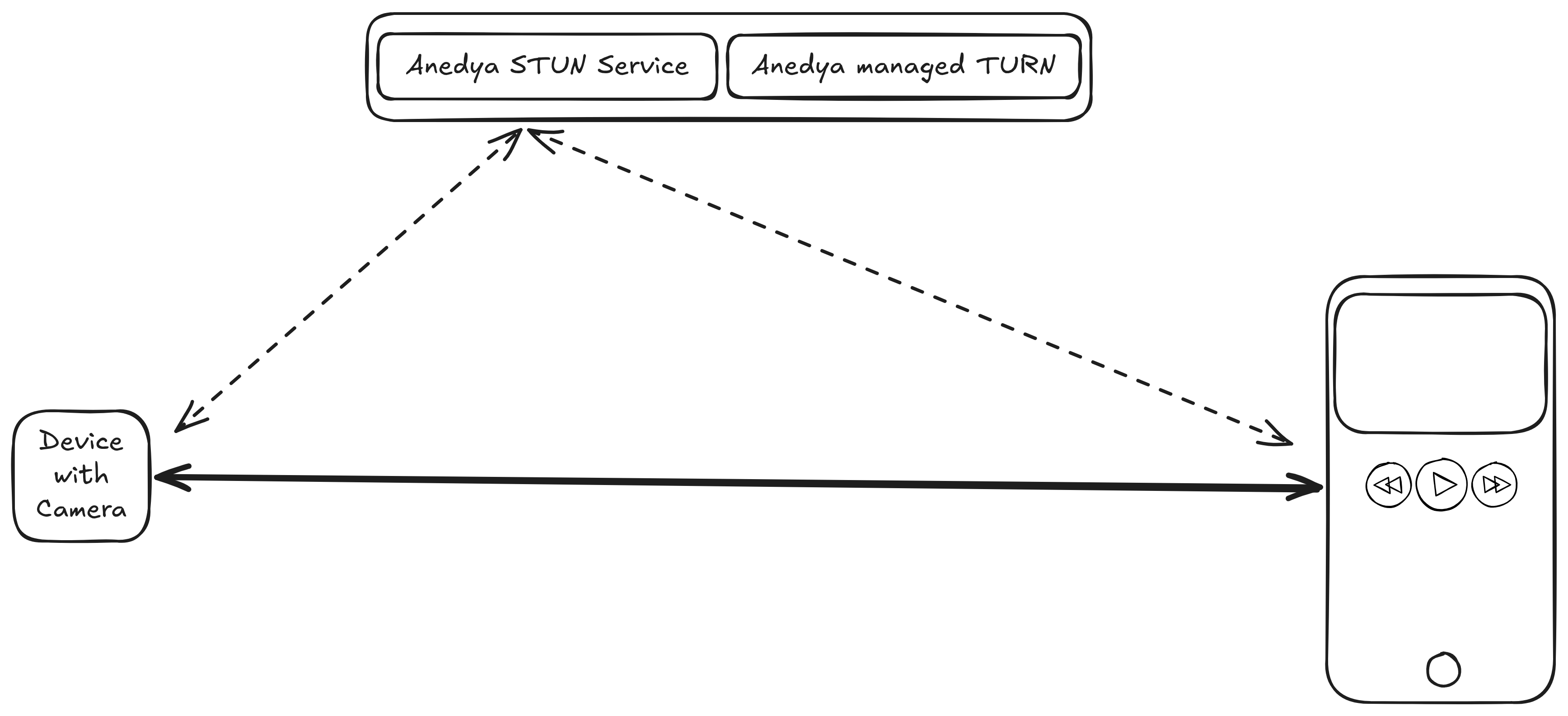
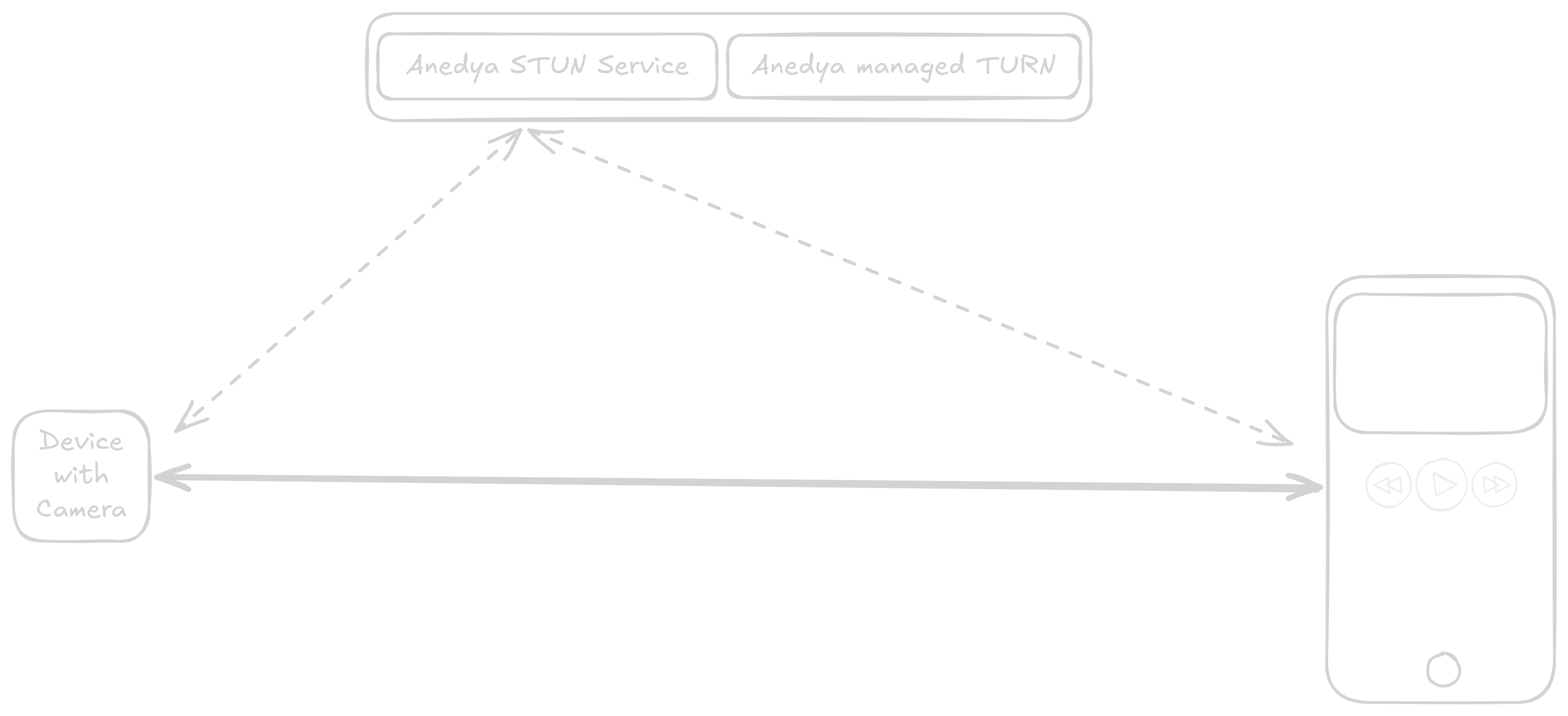
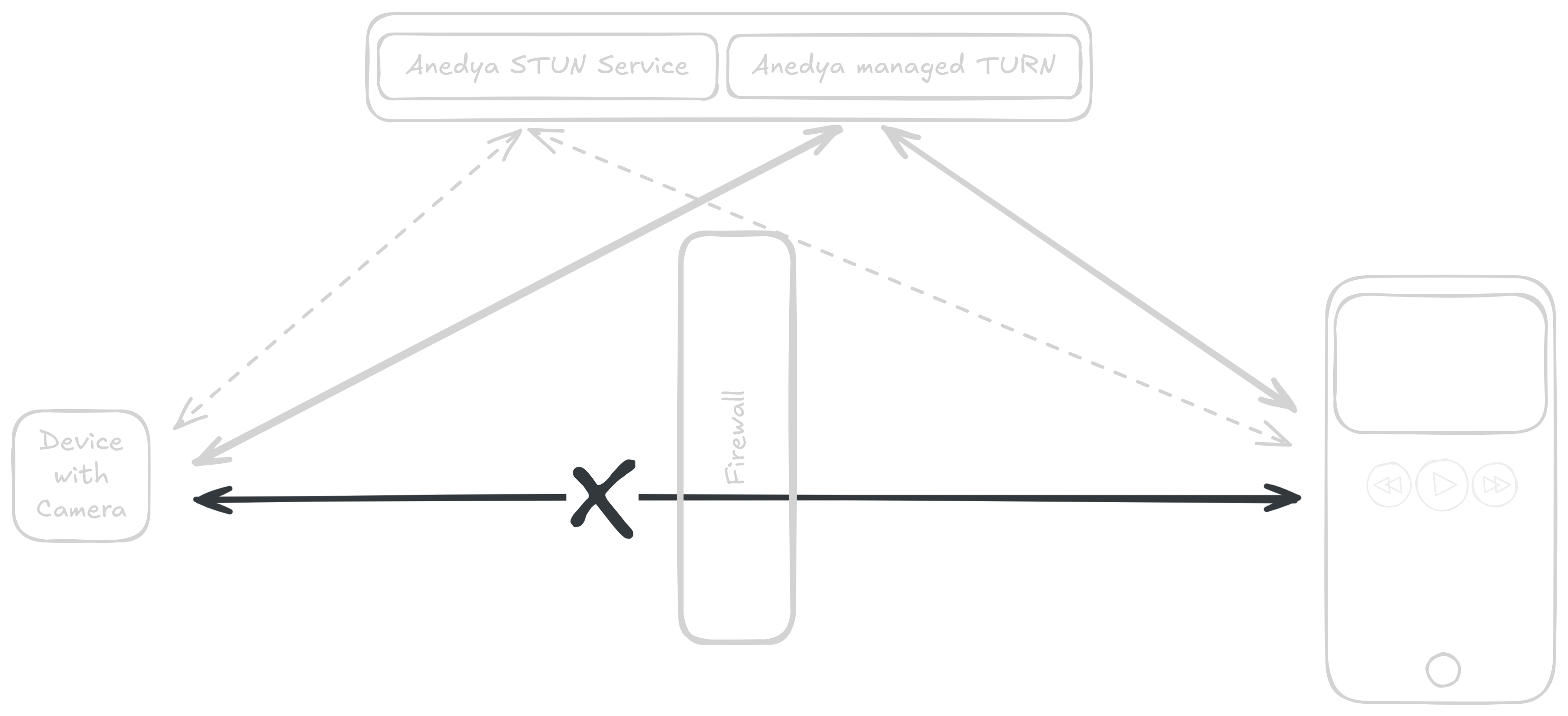
However, in some cases, direct connections are not feasible due to restrictive network configurations, such as firewalls or certain types of NAT. In such scenarios, TURN (Traversal Using Relays around NAT) servers are used. TURN servers act as intermediaries, relaying data between devices to ensure communication remains uninterrupted. While this approach may introduce slightly higher latency compared to direct connections, it guarantees reliable data transmission even in challenging network conditions.
How TURN Services Mitigate Connection Issues
When a direct connection cannot be established, TURN servers step in to relay data between devices. This ensures that communication remains possible even when direct peer-to-peer connections are blocked.
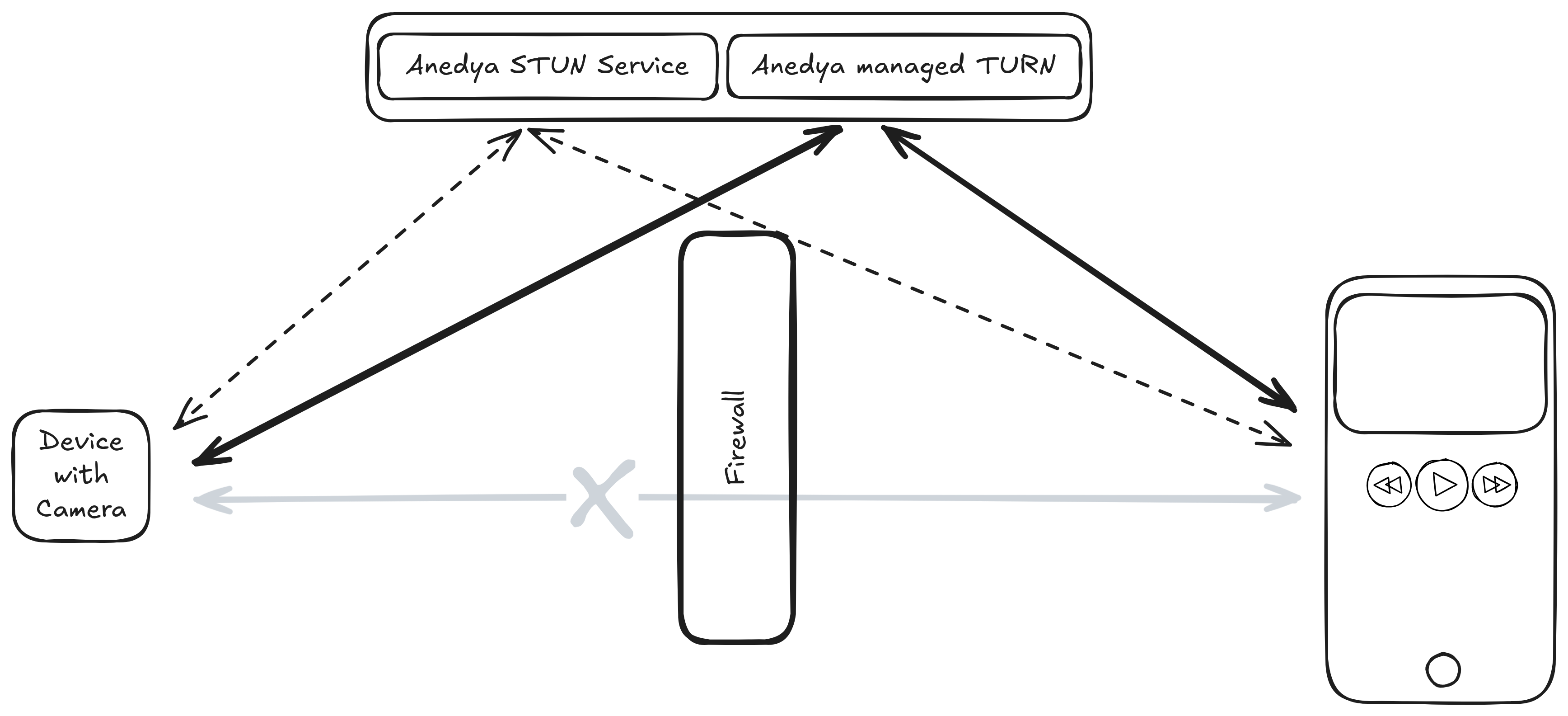
Managing STUN and TURN servers can be a significant management headache, requiring expertise, infrastructure, and ongoing maintenance to ensure reliability and performance. By leveraging Anedya's managed WebRTC relay service, users can offload this complexity and focus on building their applications.
Anedya's Managed WebRTC Relay Service
Anedya offers a fully managed WebRTC relay service that simplifies the process of streaming data from devices. With this service, users can easily set up and manage their WebRTC connections without worrying about the underlying infrastructure. Anedya handles the complexities of STUN and TURN server management, ensuring that users can achieve low latency streaming with minimal effort. Whether you're streaming video from a security camera or sharing live data from an IoT device, Anedya's WebRTC relay service provides a reliable and efficient solution for real-time communication.
Using other services like Anedya Commands or ValueStore you can also achieve the signalling capability required for WebRTC connection establishment. This allows you to create custom applications that leverage WebRTC for real-time communication while utilizing Anedya's robust platform for device management and data handling.
Creating a WebRTC Relay
While managed STUN service does not require any credentials, to use managed TURN relay service, you need to create a TURN relay in Anedya. This can be done through Anedya Console or Anedya APIs. Once you create a TURN relay, you will get the credentials required to use the relay in your WebRTC application.
TURN Relay feature support:
| Protocol | Support | Relevant Specification |
|---|---|---|
| UDP | ✅ | RFC 8656 |
| TCP | Coming Soon | RFC 8656 |
| TLS | ❌ | RFC 8656 |
| DTLS | ❌ | draft-petithuguenin-tram-turn-dtls-00 |
Domain Masking
You can use configure custom domain for your TURN relay. Simply create an CNAME record in your DNS provider pointing to turn0.ap-in-1.anedya.io and use your custom domain in the TURN relay configuration.
Limits
Anedya TURN relay restricts the maximum bandwidth for each relay to 30 Mbps and 5Kpps, which is enough for streaming 4k video content. This limit is configurable and can be increased upon request. If you require higher bandwidth for your application, please contact Anedya support to discuss your requirements.
Pricing
Anedya STUN service is completelt free to use.
Anedya managed TURN relay is priced at 0.05 USD per GB of data relayed. There are no upfront costs or minimum usage requirements.